
Lightning
Your Lightning node is where the mint actually settles value, and where the bitcoin backing your ecash is custodied. Connecting it gives you a view of the node and feeds the assets side of your balance sheet.
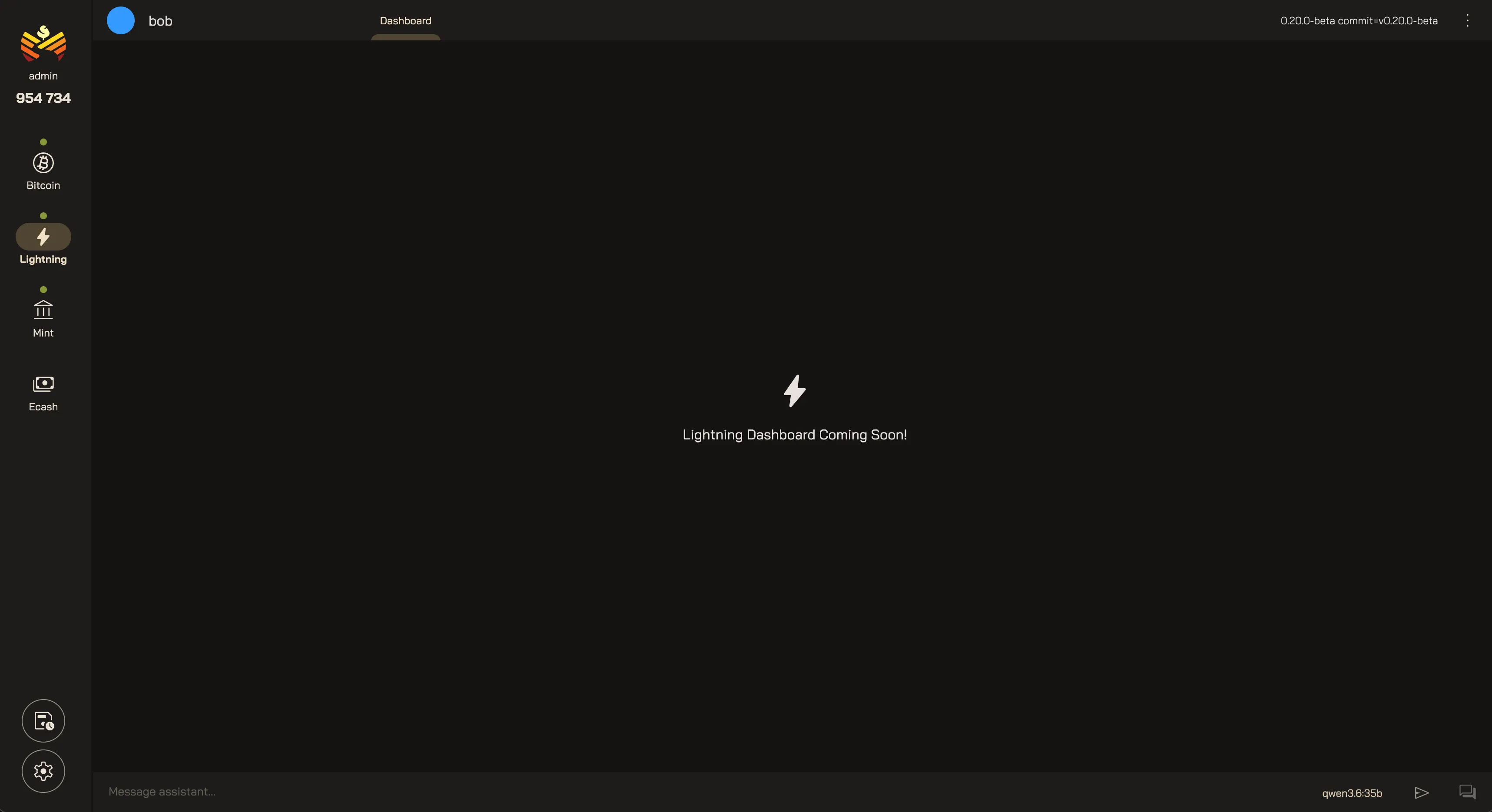
Lightning Dashboard
Section titled “Lightning Dashboard”Today, the home page summarizes your Lightning node. A dedicated dashboard is coming soon.
Mint Assets
Section titled “Mint Assets”Your mint’s balance sheet weighs its liabilities (the ecash in circulation) against the real bitcoin that backs it (your outbound lightning liquidity). A connected Lightning node fills in the assets side of the sheet, and lets Orchard track how your coverage shifts over time.
Connecting a Lightning node also gives the AI agent read-only tools for knowing what’s happening on your node:
- Lightning Info — node identity, sync status, and channel counts.
- Channels — open and closed channels with balances and peer info.
- Peers — connected peers and traffic.
- Lightning Analytics — payments, routing, and balance trends over time.
Your Orchard Lightning
Last updated: