
Setup
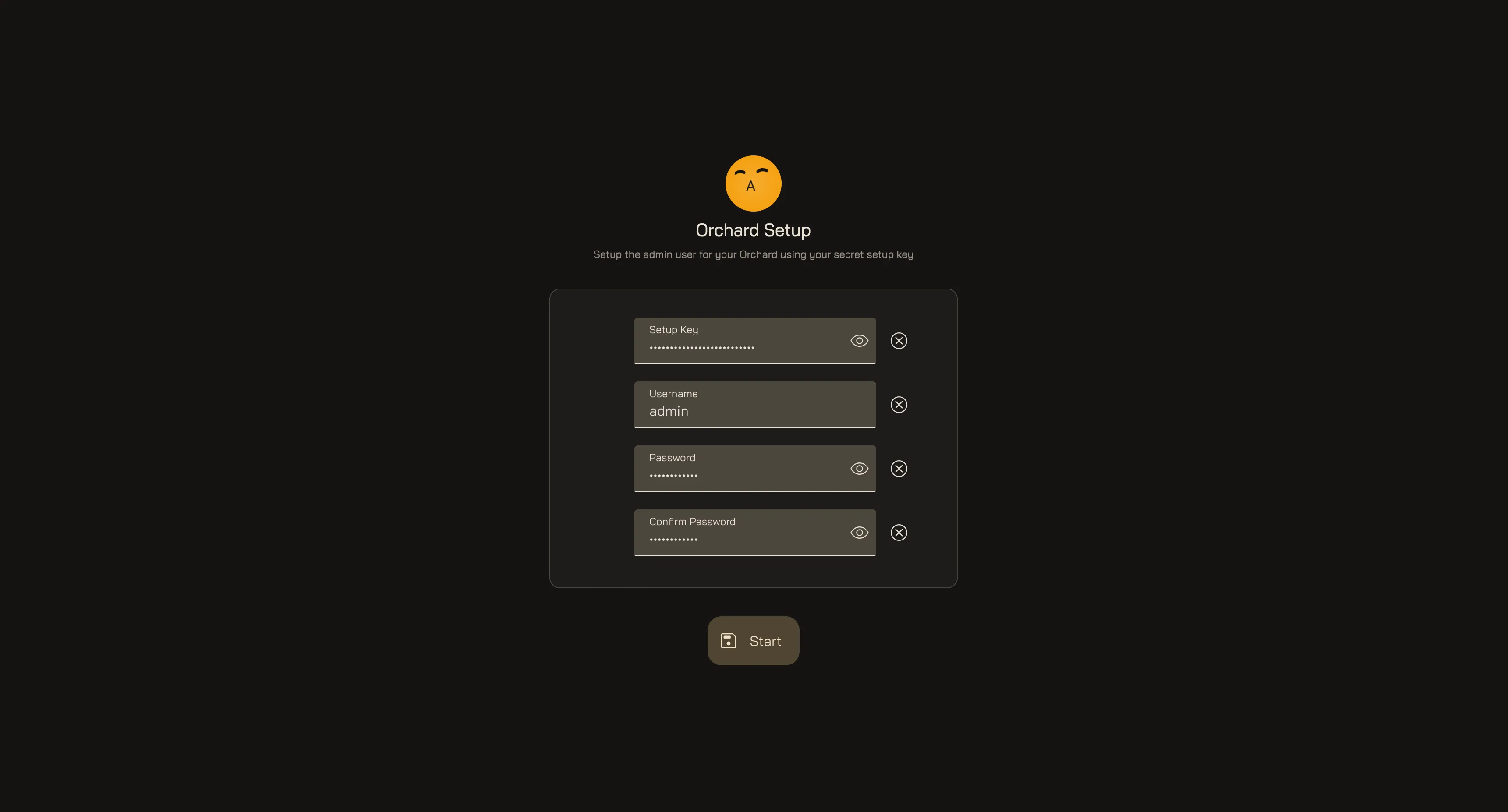
To use Orchard you must first create the admin account. This is a one-time step: you prove you own the instance with your setup key and create the first operator account.
How to set up
Section titled “How to set up”- Prove ownership with your setup key. Enter the same
SETUP_KEYyou set in Orchard’s.env. It confirms you’re the one standing up this instance, so no one else can claim it first. - Create the admin account. Choose any username and password for the first operator. You can change them later from your account settings, and Orchard hashes the password before storing it in its database.
- Land on Home. Once the account is created, Orchard signs you in and opens the Home screen.
Your Orchard Setup
Last updated: